
Get work ready to approve, from campaigns to customer replies.
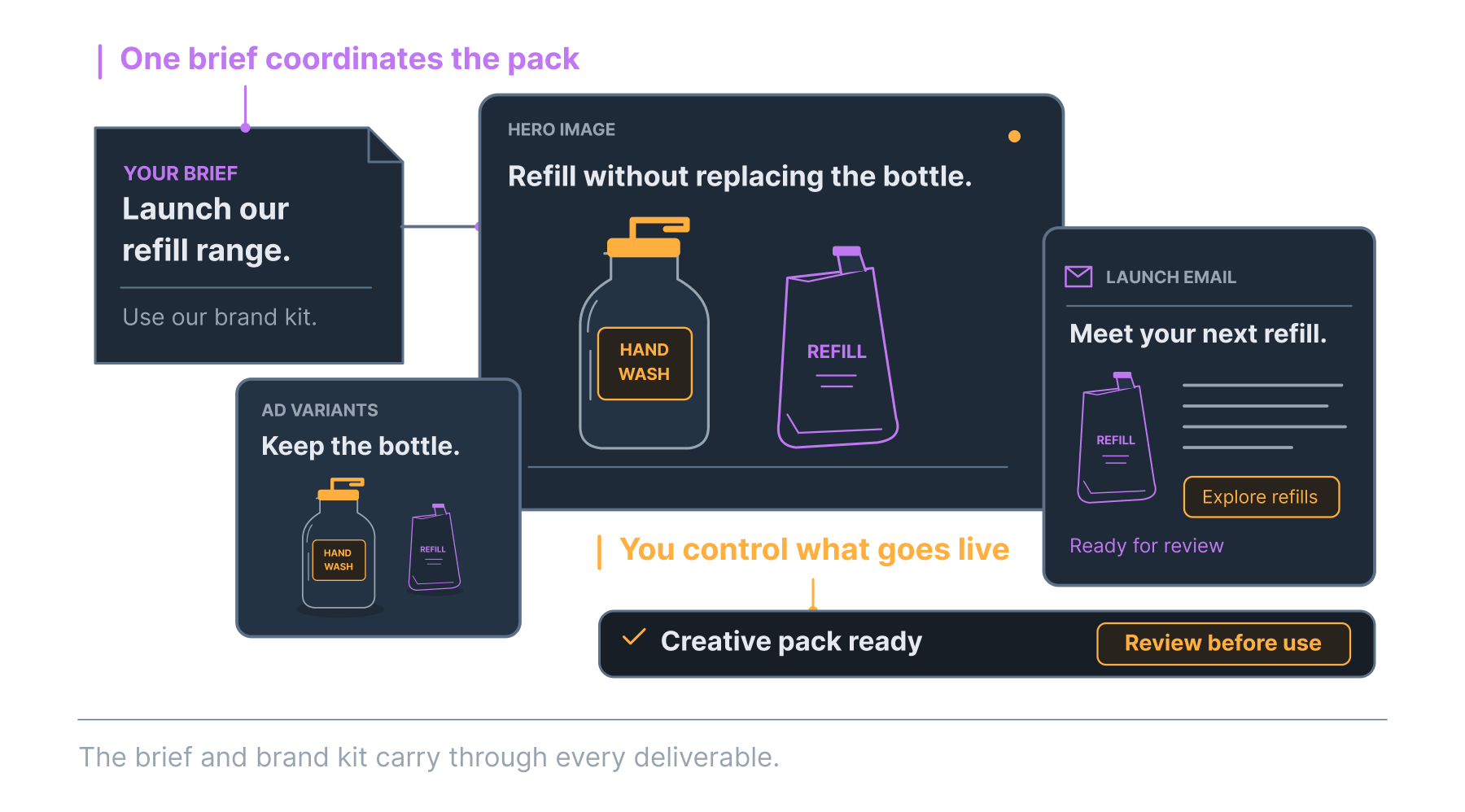
Give an Evo Agent a brief, a diagnostic finding or a recurring task. Review the research, copy, creative or response it prepares, then decide what goes live.
Growth prepares drafts for your review. Automation is scoped separately.
Or preview one business
Find an agent for the work you need done.
Choose the task, provide the context and review what the agent prepares. For recurring work, define the schedule and approval steps with the workflow.
Strategy & Finance
They tell you what to sell and how to price it.
- Product ArchitectDevelop new product concepts & validate specs
- Pricing AnalystFind the price where value flips negative
- Menu ArchitectRewrite your service menu to match demand language
- Competitive IntelMonitor competitors & detect trend shifts
- Social ListenerMonitor social mentions, competitor moves & trend signals
Traffic & Leads
They build the ads, write the content, and get you found.
- Creative DirectorDraft ad hooks from customer language
- Visibility ArchitectPrepare improvements to your search presence
- Email ArchitectBuild the abandonment, nurture & win-back sequences
- Ad ArchitectDraft ad-spend recommendations and test variations
Frontline & Shield
They answer the phone, respond to reviews, and book appointments.
- Voice ReceptionistAnswer calls 24/7, book appointments, qualify leads
- Retention ArchitectSpot customers about to leave & draft the win-back
- Reputation DefenderDraft review responses in your voice
Buyer research
Explore how a synthetic panel responds to an offer before planning real customer testing.
- Simulation EngineCompare offers with 10 synthetic personas, 6 selected by default
- Synthetic Customer ChatPart of the Simulation Engine: interview your buyer personas directly
- 10 synthetic personas, 6 selected by default, with direct chat for follow-up questions
See what you will review before work goes live.
Review the proposed output, request a change or approve it for the next step.
Get help with the campaign, the reply or the competitor watch.
Explore the featured agents to see the task each one handles, the work it produces and where your approval fits.
Build a workflow around a task your team repeats.
Tell us what starts the task, what a good result looks like and who needs to approve it. We will scope the workflow and the connections it needs.
Define the task.
Tell us what starts the workflow and what it needs to produce.
Agree the scope.
Confirm the connections, review steps and delivery plan before the build.
Set the approvals.
Decide which actions require a person to approve them.
Review each agent’s scope and example work.
Open an agent to see what it helps with, what it produces and how your team reviews the result.
Decide what the agent can do and when it needs approval.
Set the workflow’s scope and review steps before it is enabled. Keep the decisions that need your judgment with your team.
Choose the plan or workflow scope that fits the work.
Review the included drafting tools and request a quote for automation that needs a dedicated workflow.
By quote
Meet the people who turned their experience into these workflows.
The team behind Ontevo has worked on product development, local search and marketplace performance. That experience informs the tasks, outputs and review steps in the agent workflows.